 SweetWonder
SWEETWONDER · iOS & Android
Say the moment. Check it. Save it.
When your hands are busy, a short spoken note can help you capture what happened. Open voice logging from the baby diary, describe the event and review the result before adding it to your records.
Start with a short, clear sentence
Use the microphone action and allow microphone access when asked. Describe a supported diary event, such as your baby falling asleep or a bottle feed, and include the time or amount if relevant. Speak one clear event at a time to make checking easier.
Read what was understood
The recording is sent for transcription, so voice recognition needs an internet connection and a signed-in account. Read the returned text and the suggested event details. Recognition can confuse words, times and amounts, especially in a noisy room.
Correct and confirm before saving
Check the event type, time and any quantity. Edit the recognised text and let the app interpret the corrected version before saving. Entries are only added after you confirm; opening the microphone does not create a diary entry by itself.
Return to your ordinary diary
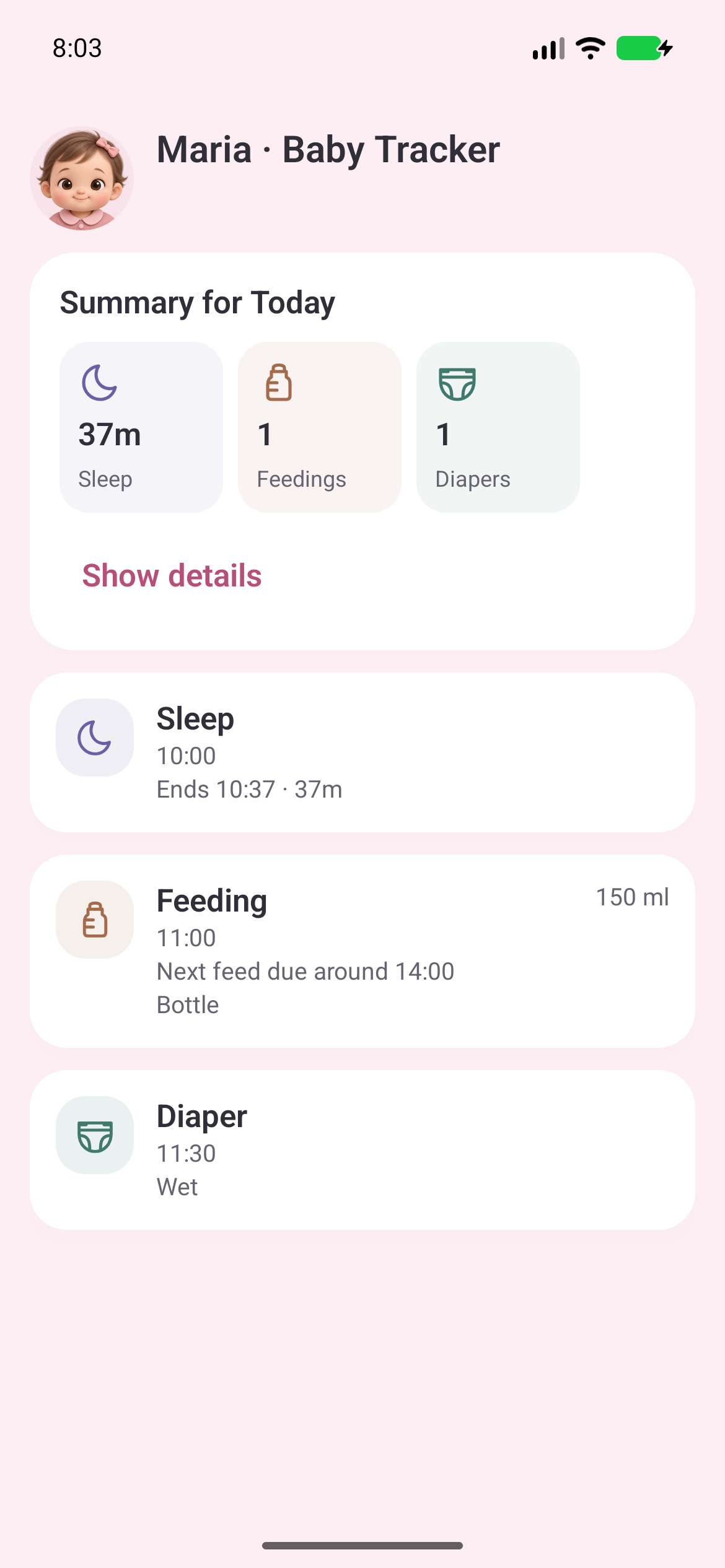
Confirmed entries join the baby’s diary alongside manually added records. You can continue reviewing the day in the usual way. If voice capture is unavailable, use manual entry; voice-service availability and usage limits can affect access.
Questions about voice entries
Can I use voice logging offline?
Voice transcription needs a connection. Use manual entry when you cannot connect.
Which languages are supported?
Voice capture follows the app’s selected language: Bulgarian, English, German, Spanish, French, Italian or Portuguese. Always review the result, including names and quantities.
Does the app save everything it hears?
Recording starts when you activate the voice control and grant permission. The recording is sent for transcription; only the diary entries you confirm are saved to the diary. See the privacy policy for data processing details.
Keep the everyday moments together.
Explore SweetWonder for iPhone and Android.


SweetWonder helps you keep records and follow everyday routines. It is not a medical device and does not make diagnoses. If you are concerned about yourself or your baby, contact a healthcare professional.